PMMJetpack
DiscoverResourcesToolsWhat's NewJetpack Live
FavoritesLogin
PMM Jetpack
DiscoverResourcesExamplesWhat's New
PMMJetpack
DiscoverResourcesToolsWhat's NewJetpack Live
FavoritesLogin
Back to Discover
ExamplesHomepageEnablementHow It Works Section

Show What a Session Actually Looks Like

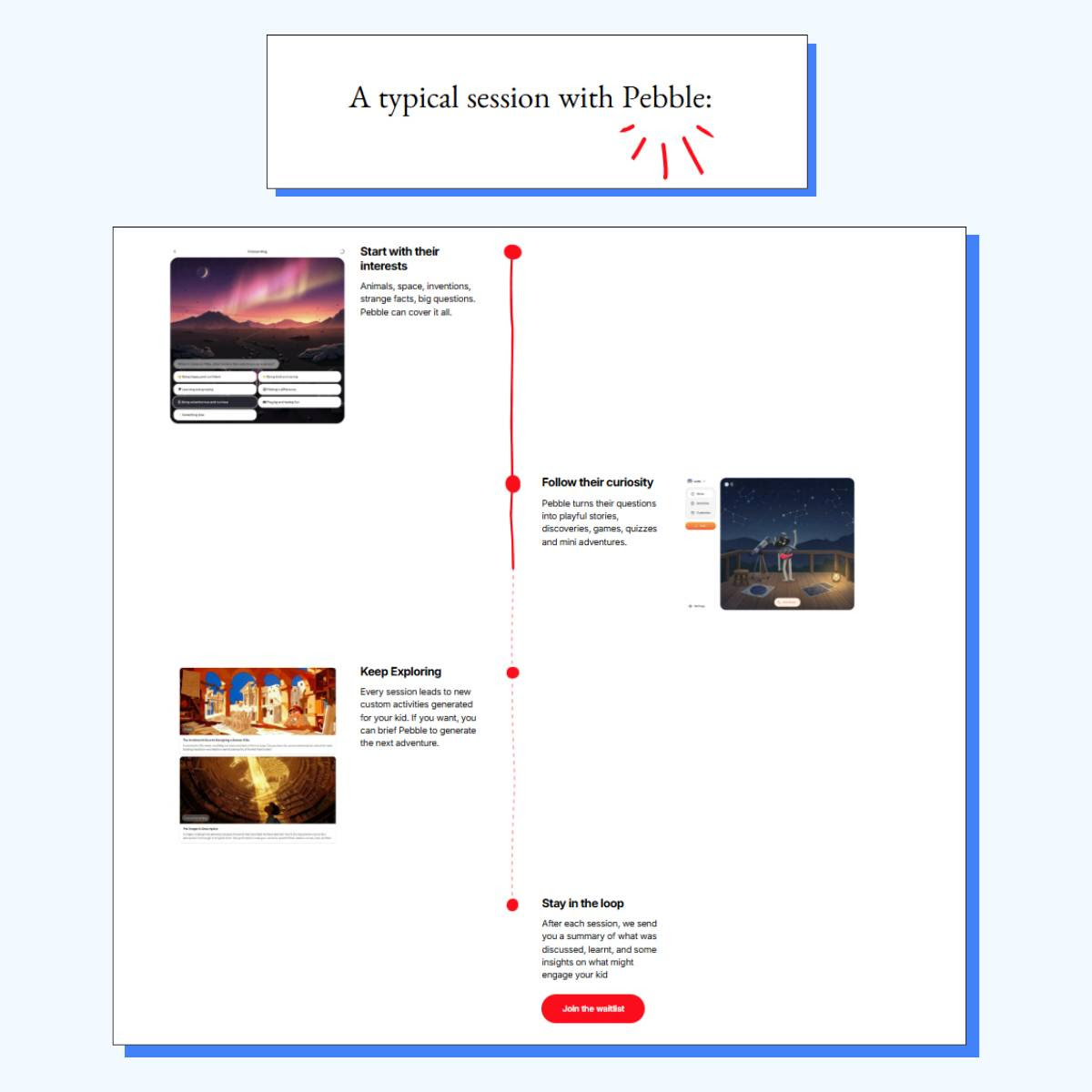
Pebble's "How It Works" section shows what a session actually looks like — not just what the product does.
Pebble/Edtech/June 10, 2026
Show What a Session Actually Looks Like

Video

Description

Pebble's "how it works" section does a great job showing what a day in the life of using the product looks like. Most "how it works" sections walk you through features. This one shows how you actually use the tool. The section is broken into four steps: • Start with their interests • Follow their curiosity • Keep exploring • Stay in the loop By the end, you know exactly what it looks like when your child sits down for a session.

Screenshots

See Live Example

Opens in a new tab

Quick Details

CategoryExample
Content TypeHomepage
TopicEnablement
Page SectionHow It Works Section
CompanyPebble
IndustryEdtech
PublishedJune 10, 2026

Quick Details

CategoryExample
Content TypeHomepage
TopicEnablement
Page SectionHow It Works Section
CompanyPebble
IndustryEdtech
PublishedJune 10, 2026

Recommended for you

Kill the Friction on Your CTA

Kill the Friction on Your CTA

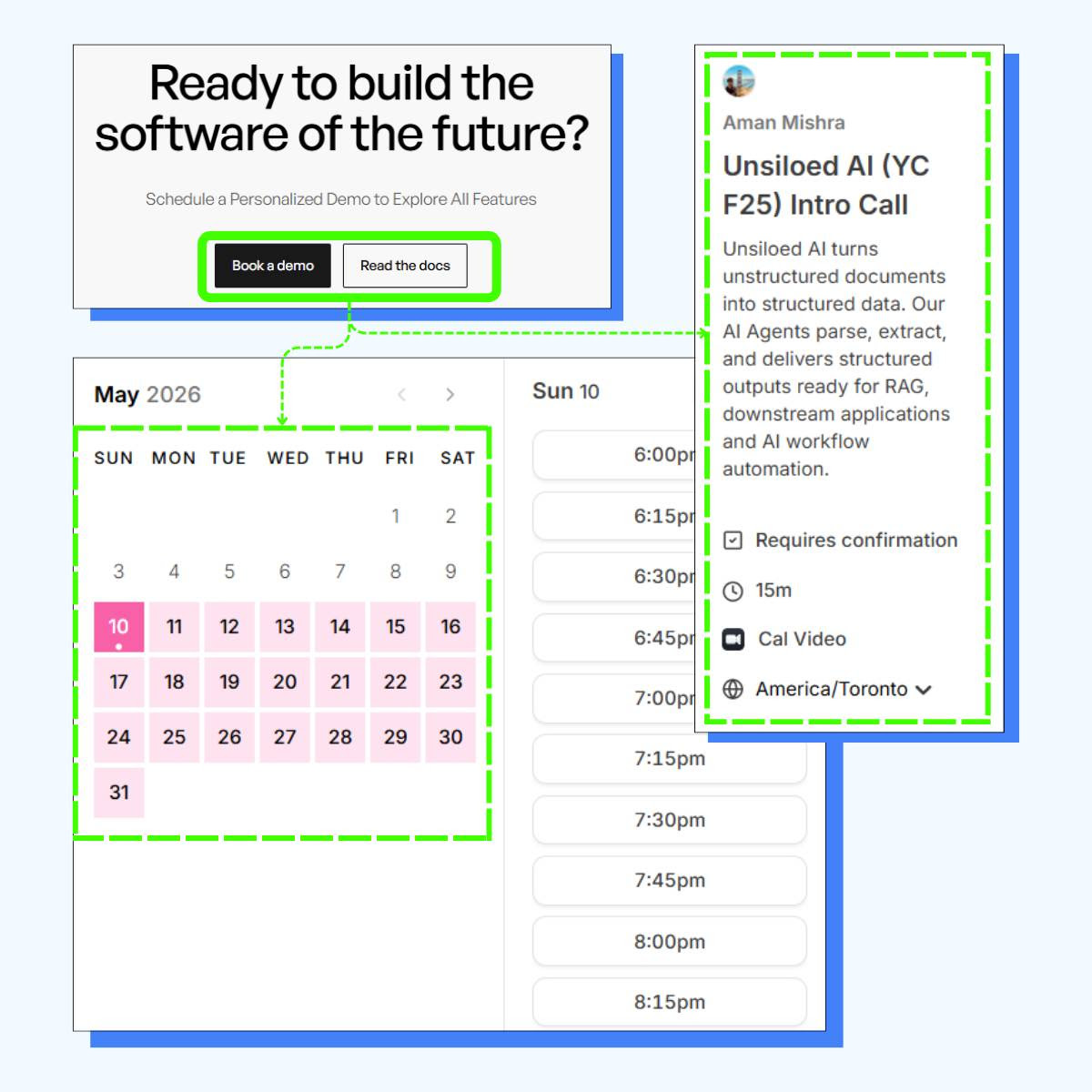
Unsiloed AI embeds the calendar directly on the homepage — no redirect, no extra steps.

Example

Shared topics: Enablement

View resource
Make Your Logo Bar Work Harder

Make Your Logo Bar Work Harder

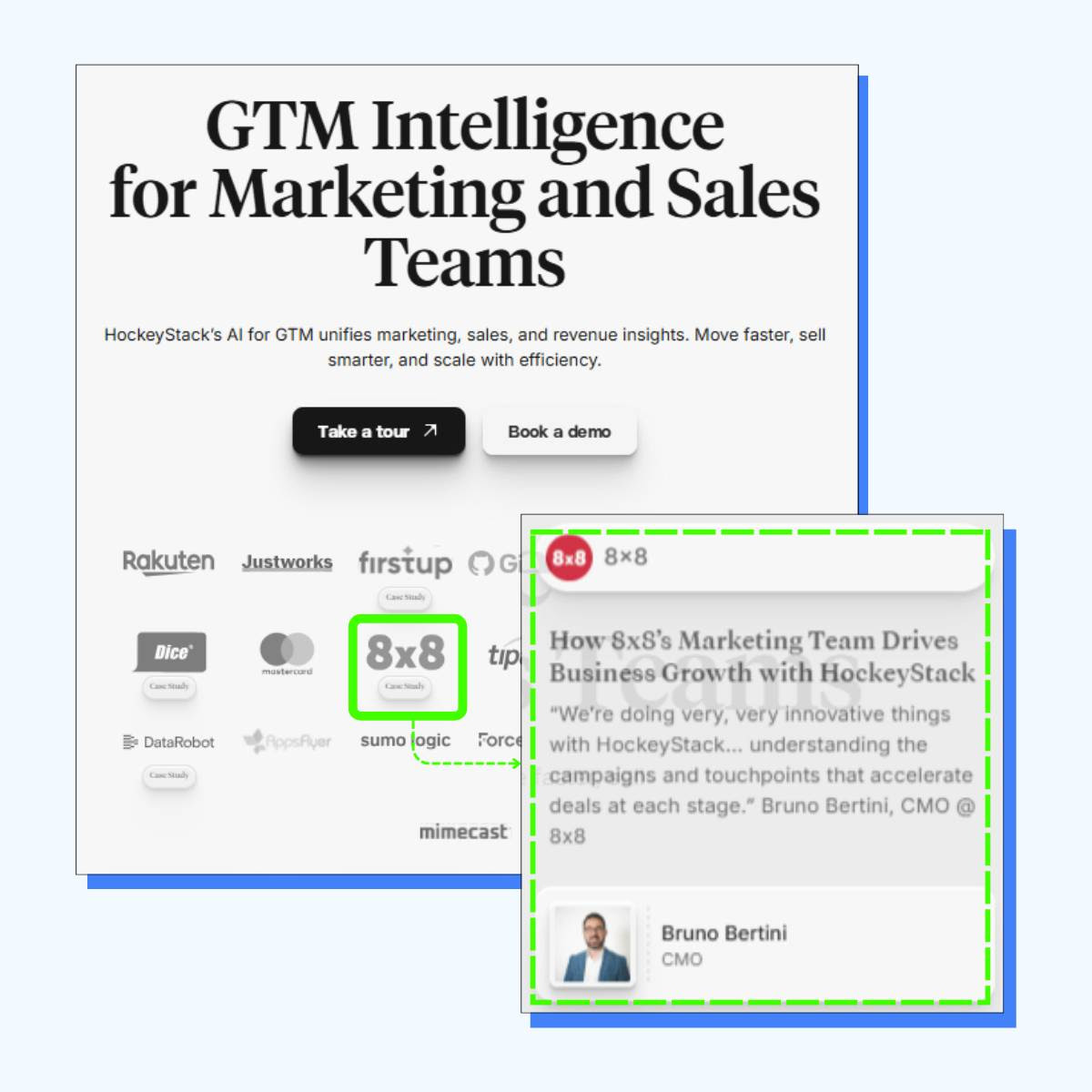
HockeyStack turned their logo bar into a case study menu.

Example

Shared topics: Enablement

See Live Example
PMM Jetpack
DiscoverResourcesExamplesWhat's New
View resource
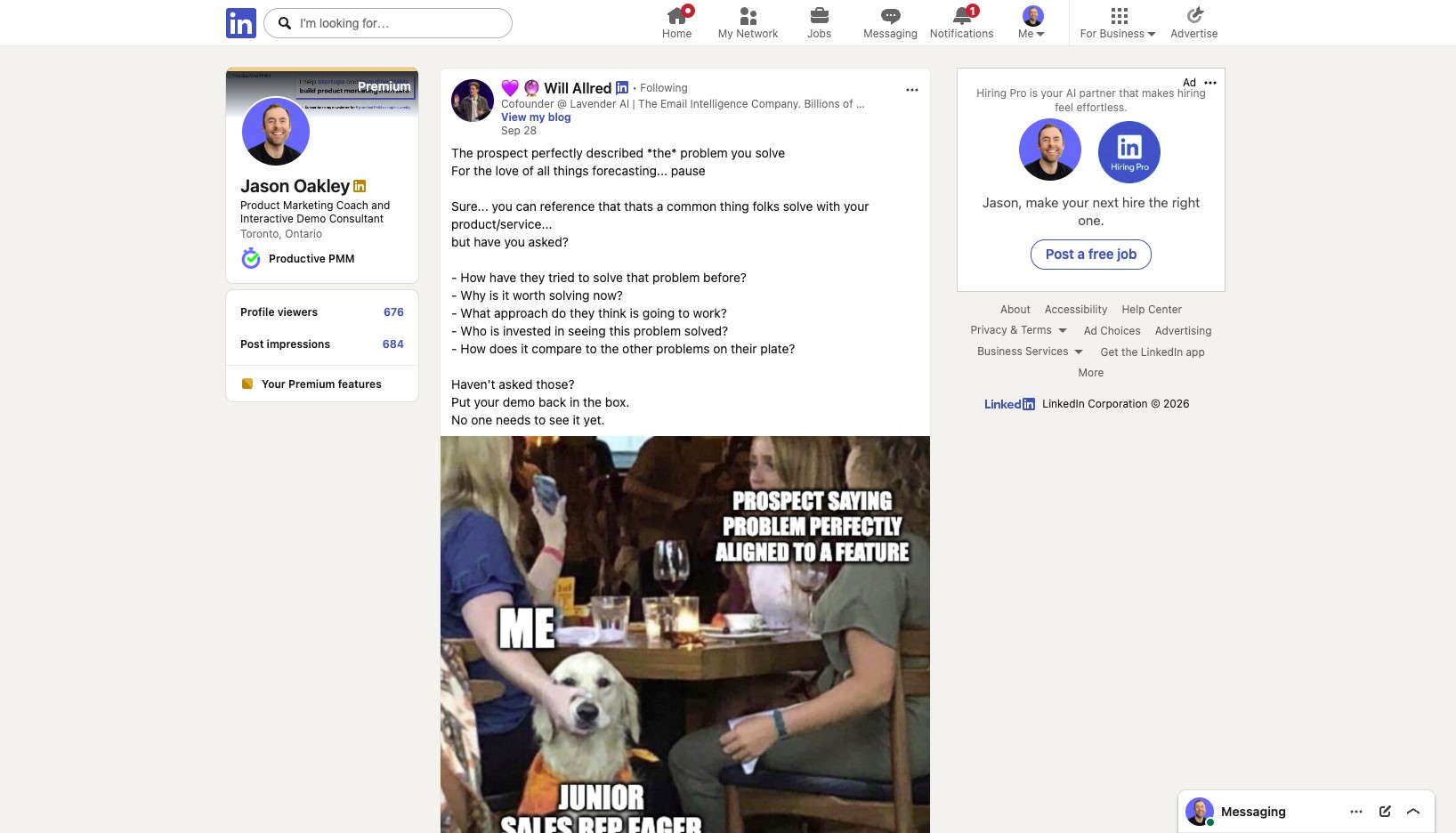
Put Your Demo Back in the Box

Put Your Demo Back in the Box

Example

Shared topics: Enablement

View resource
Answer Every Question

Answer Every Question

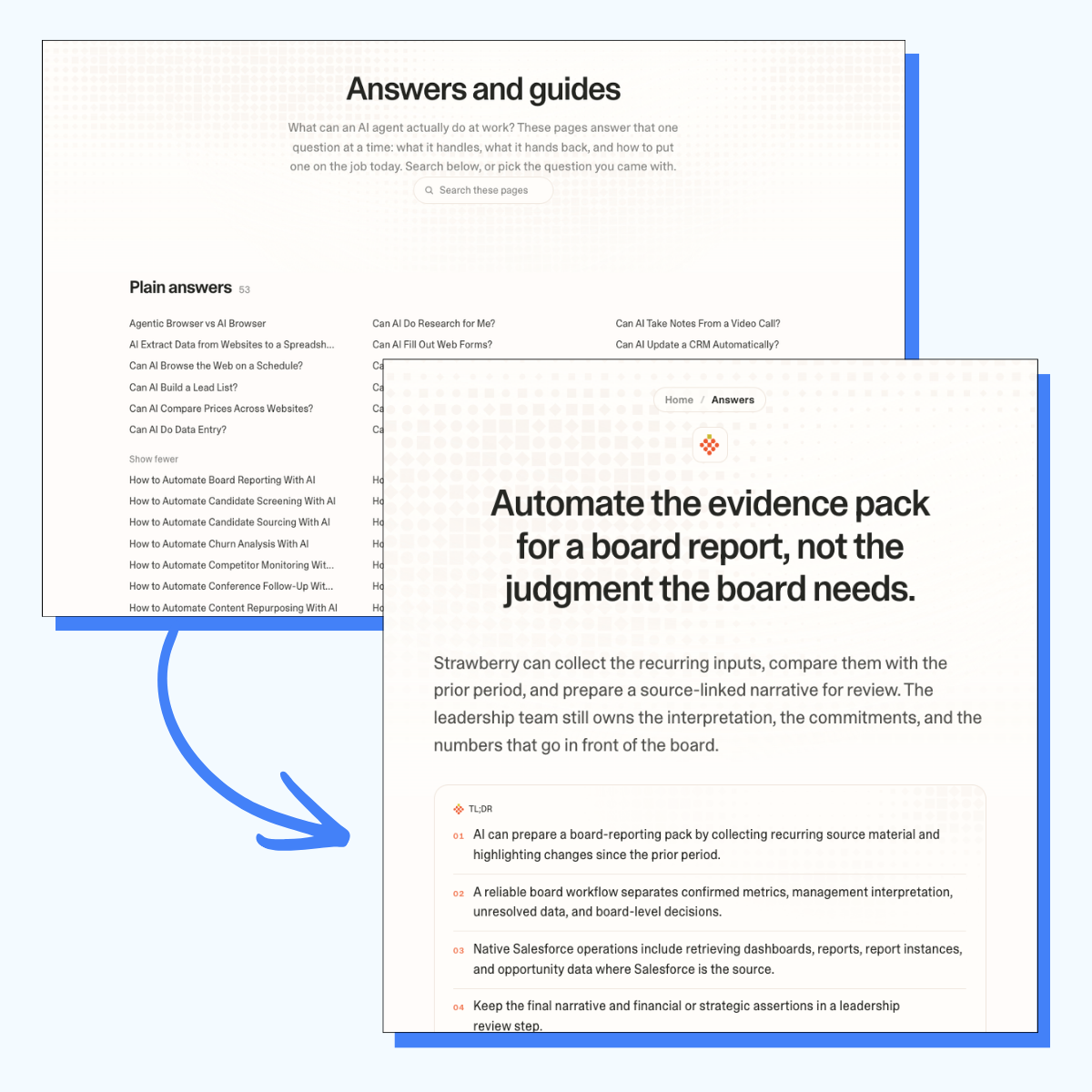
Strawberry Browser creates an FAQ page answering 154 questions.

Example

Shared topics: Enablement

View resource